Omnibar
An omnibar has been implemented throughout the Parks & Rec application:
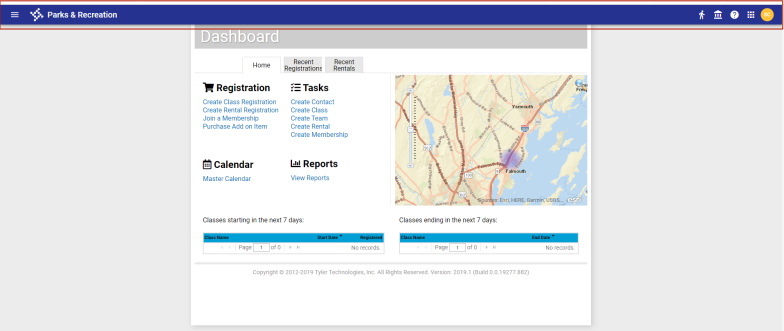
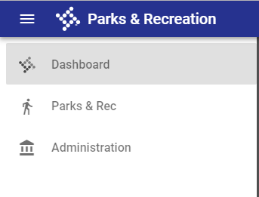
The omnibar replaces the previous page navigation header and contains the following items, from left to right:
|
Item |
Name |
When Clicked |
|---|---|---|
|
|
Hamburger icon |
Opens a menu with options to navigate to the dashboard, the Parks & Rec menu and the Administration menu. ( |
|
|
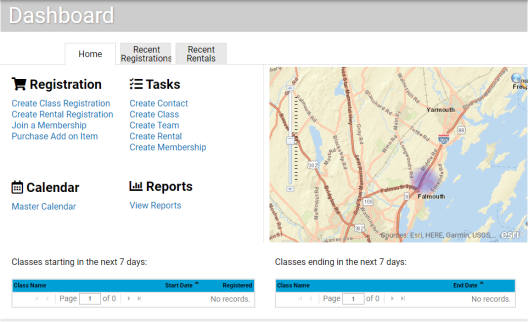
Company logo |
Takes you to the dashboard. ( |
|
|
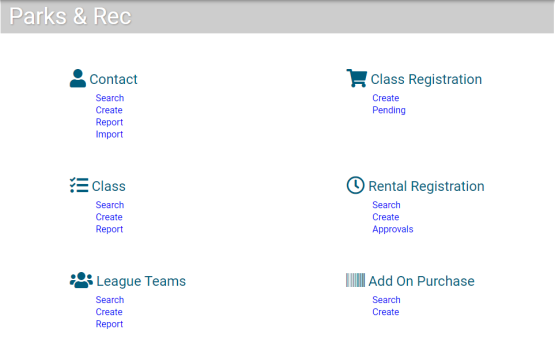
Parks & Rec icon |
Takes you to the Parks & Rec menu. ( |
|
|
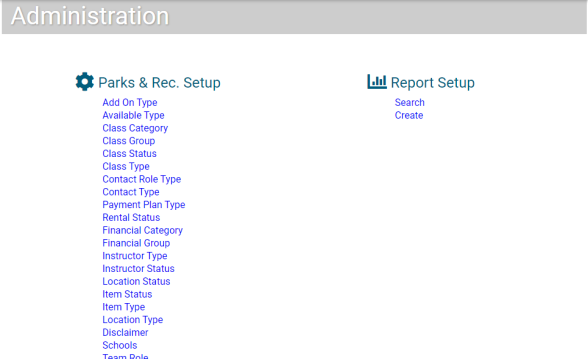
Administration icon |
Takes you to the Administration menu. ( |
|
|
Help icon |
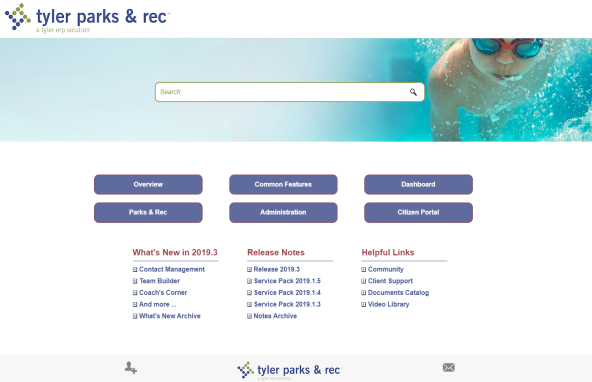
Takes you to Parks & Rec Help Central. ( |
|
|
Nine-Box icon |
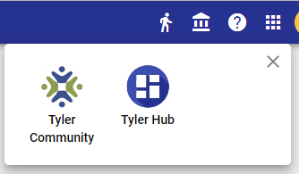
Opens a menu containing options to navigate to Tyler Community and, if installed, Hub. ( |
|
|
User initials avatar |
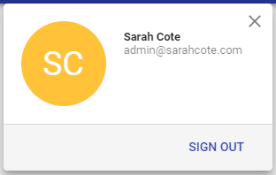
Displays user name, email address and SIGN OUT option. ( |

 Show me