Activities
Administration > Parks & Rec. Setup > Activities
An Activities option has been added to the Parks & Rec. Setup section of the Administration tab.
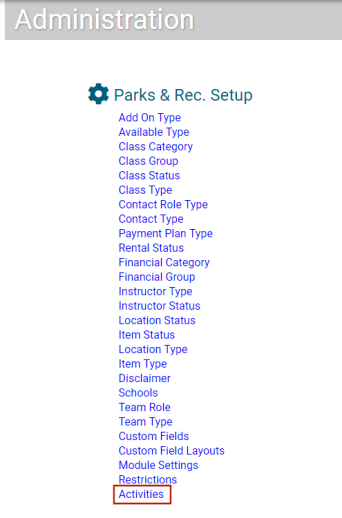
Selecting this option opens a new Activities page, where you may create activities and, in turn, associate them with locations.
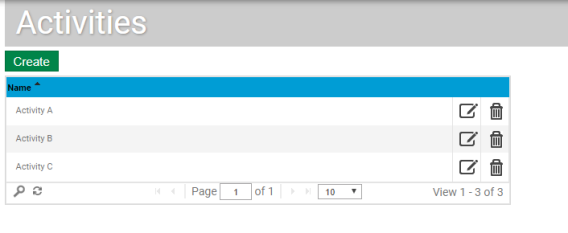
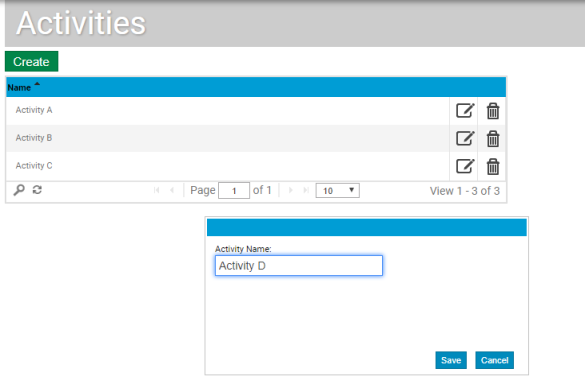
Click the Create button to add an activity, the edit icon to edit one. In either instance, a dialog opens, containing a field for the Activity Name.
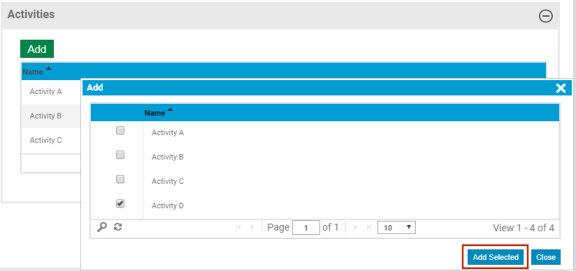
To associate one or more activities with a location, navigate to the Location Details page (Parks & Rec > Location > Search > Create/Edit), and scroll to the new Activities section.
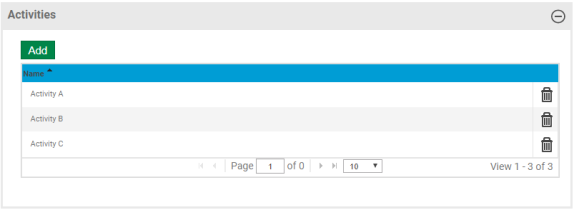
Click the Add button. In the Add dialog that opens, select the activity or activities and click the Add Selected button.
Note: Once an activity has been associated with one or more locations, it cannot be deleted from Activities page in Administration until it has been deleted from the locations.