Create
The Create option for a category displays a page of the data fields to complete for that category:
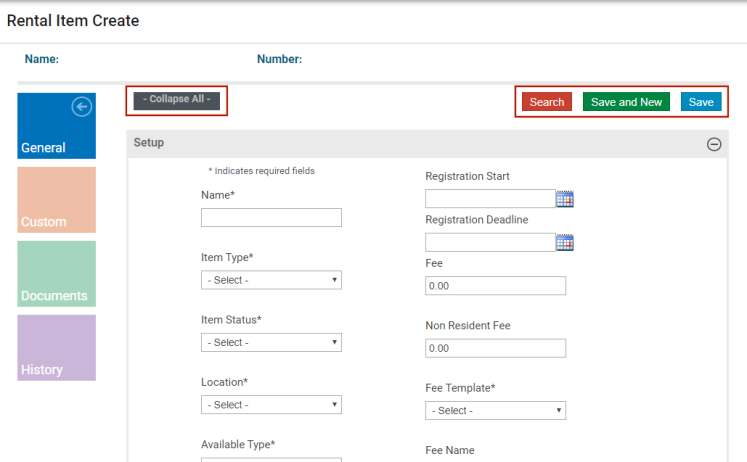
The Create pages also include the Search, Save and New, and Save buttons:
- Click Search to return to the previous page. If existing records are available, a list of these records displays.
- Click Save and New to save the current record and refresh the page to create a new record.
- Click Save to save the current record and remain on the page.
Use the Collapse All/Expand All option to display or hide the individual fields for all data groups on the page.