System Log
Administration > System Setup > System Log
System Log provides details for your organization’s Parks & Rec application. Use the Keyword, Start Date, and End Date fields to define the search criteria for the log results. You may use the Keyword field to search by event ID or user email address in addition to keywords.
When you click the Search button, the table refreshes to display the search results.
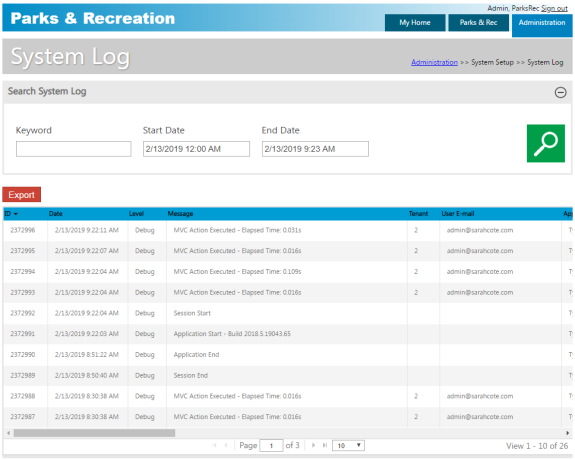
Use the horizontal scroll bar to view all data for a specific entry. Use the Export button to export the results to Microsoft Excel.